
Here is a question worth sitting with: if your main computer or server failed completely right now, what would happen to your business files, customer records, financial data, and years of accumulated work?
Most small offices have some answer to this — a backup drive, a cloud service, something that was set up at some point. But the honest follow-up question is harder: when was the last time anyone verified that the backup is actually working, that it covers everything it needs to cover, and that recovery from it would actually be possible in a reasonable amount of time?
A backup you cannot verify is not really a backup. It is a hope. Here is what a reliable small business backup actually looks like.
What needs to be backed up
The most obvious answer is your business files — documents, spreadsheets, client records, financial data. But a complete backup strategy covers more than that.
Application data, email archives, custom templates, and software configurations built up over time should all be included. These are not always large files, but losing them means significant time spent reconstructing your setup after a recovery. The goal is to restore not just your data but your working environment.
If your business runs any kind of database — accounting software, CRM, inventory management — make sure that database is included in the backup and that the backup captures it correctly while it is in use, not just as a static file that may be incomplete.
The 3-2-1 rule and why it matters
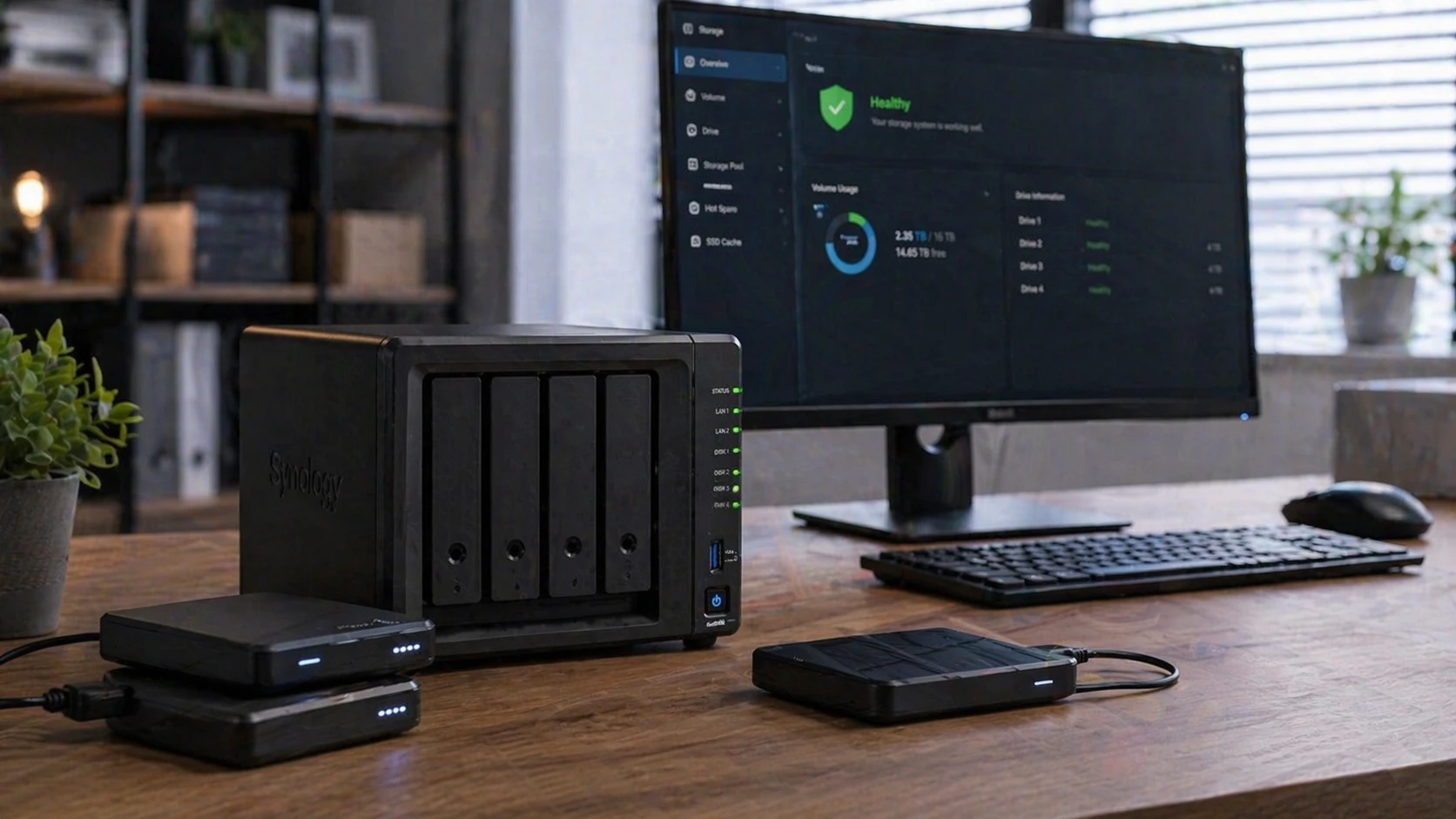
A widely used standard in data protection is the 3-2-1 rule: three copies of your data, on two different types of media, with one copy stored offsite. For a small office, this typically means a local backup on a dedicated device, plus a cloud backup stored offsite.
The local backup allows for fast recovery — restoring a large amount of data from a local device is much faster than downloading it from the cloud. The offsite backup protects against scenarios where the local backup is also affected — fire, flood, theft, or ransomware that spreads to the backup device.
Having only a local backup leaves you vulnerable to physical events at your office. Having only a cloud backup means recovery could take hours or days depending on the size of your data and your internet speed. Both together cover the scenarios the other misses.
The difference between a backup and a verified backup
A backup system that runs every night and reports no errors is not the same as a backup that has been tested. Backup software can run without errors and still produce files that cannot actually be restored — due to corruption, incomplete transfers, insufficient storage space, or configuration issues that only reveal themselves during a recovery attempt.
A verified backup is one that has been tested by actually restoring data from it — not just checking that the backup job completed. For most small offices, a restore test once or twice a year, combined with regular checks that backup jobs are completing and covering the expected data, is a reasonable standard.
Signs your current backup situation needs attention
- You are not sure exactly what is being backed up and what is not
- The backup has never been tested with an actual restore
- Backup is only going to a single local device with no offsite copy
- The backup drive is always connected to the computer — meaning ransomware that hits the computer could also encrypt the backup
- You do not receive any notification when a backup fails
- The backup system was set up years ago and has never been reviewed
- You rely entirely on a cloud sync service like Dropbox or OneDrive as your only backup
A note on cloud sync vs. backup
Cloud sync services are convenient and useful — but they are not the same as a backup. Services like Dropbox, OneDrive, and Google Drive sync your files to the cloud, which means if you accidentally delete a file or ransomware encrypts your data, the damage can sync to the cloud as well. Most of these services have some version history, but they are not designed as a recovery solution for serious data loss events.
A proper backup keeps independent, point-in-time copies of your data that are not affected by changes to the source files. That distinction matters when something actually goes wrong.
A practical starting point
If you are unsure about your current backup situation, the most useful first step is a straightforward review of what you have. That means identifying what is being backed up, where it is going, how recently it completed successfully, and whether any kind of recovery test has ever been performed.
Local Tech Solutions provides backup reviews and setup for small businesses in Orange County, CA. If you want a clear picture of where your business stands and what, if anything, needs to change, reach out and we can walk through it with you.